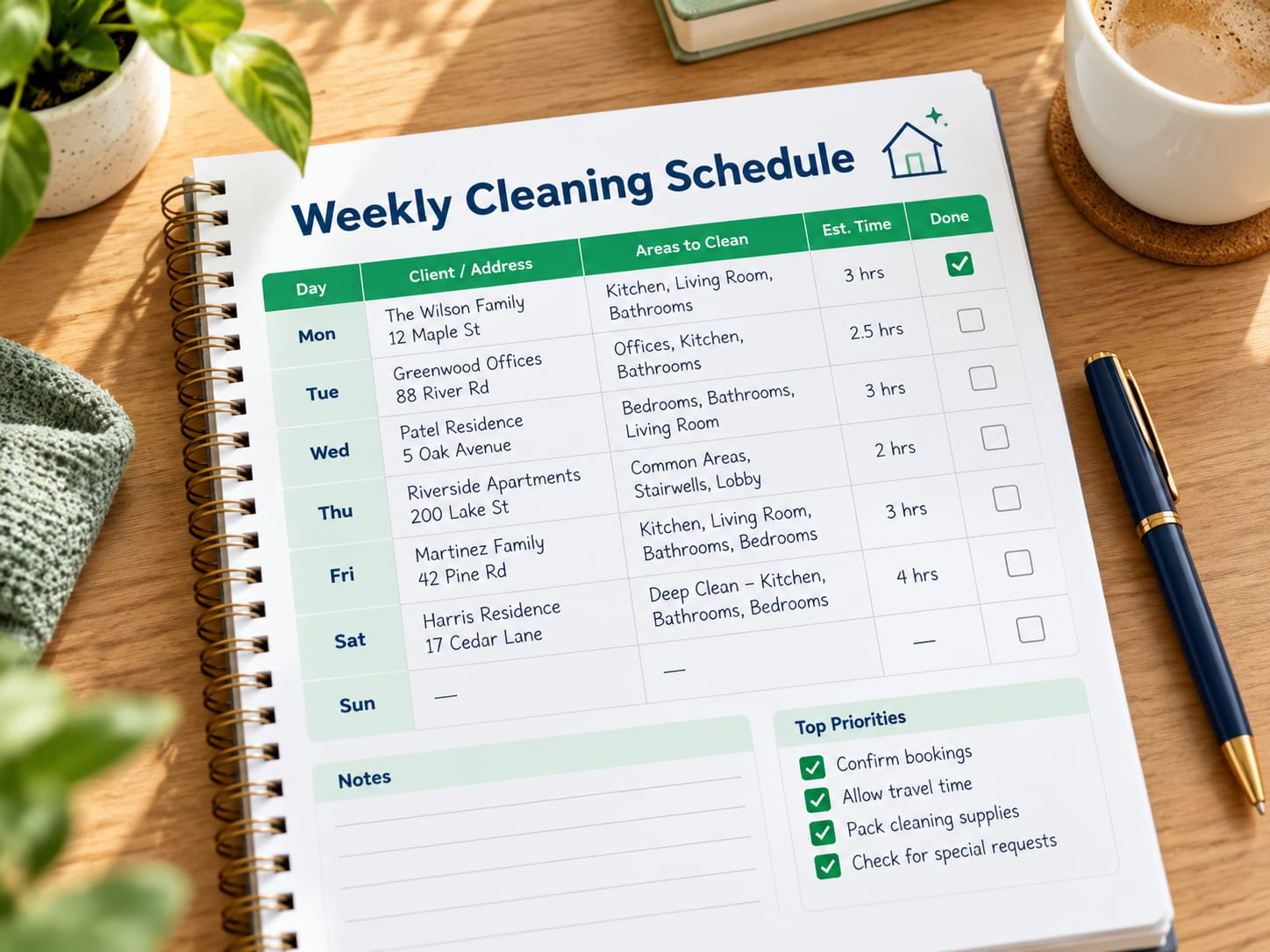
Weekly Cleaning Schedule
A simple, flexible template to help you plan your week and stay organised.
Use this template to plan what needs to be cleaned, how often, and how long it usually takes. It's ideal for regular cleans, whether you're working with a client or keeping track of your own routine.
Choose or download a template
Start with one of our ready-to-use templates. You can print it or use it digitally.
Weekly Cleaning Schedule (Printable PDF)
A clean, easy-to-use checklist for your weekly cleans.
Download PDFPlan your week
Add your clients, cleaning tasks, and how often each area needs to be cleaned.
- List your regular clients and their addresses
- Add the rooms and areas to be cleaned
- Set how often each task is needed (e.g. weekly, fortnightly)
- Estimate how long each clean takes
- Add travel time between bookings
- Include any special instructions (e.g. pets, alarm codes, keys)
- Update your schedule as bookings change
Stay organised
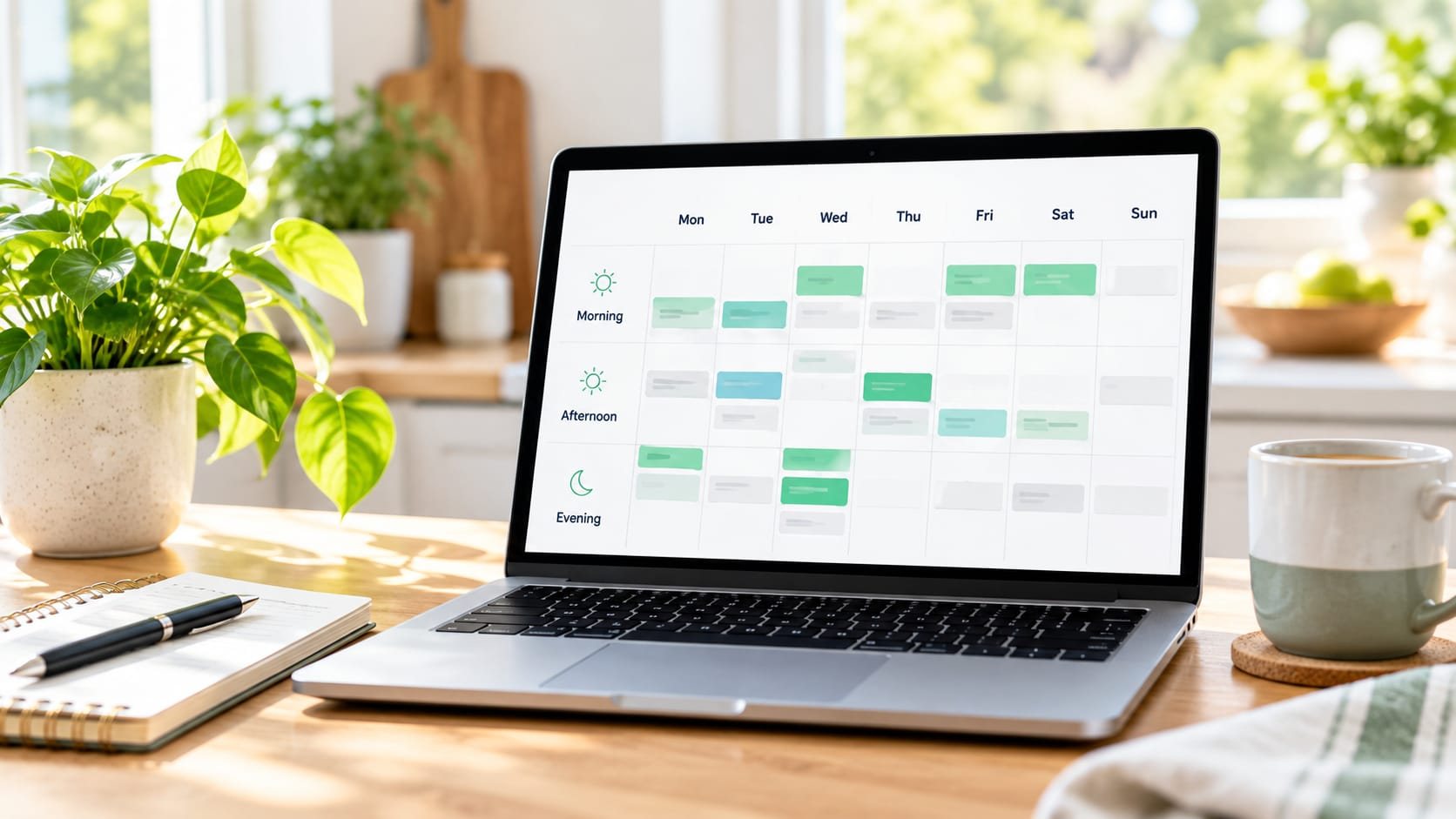
Keep your schedule up to date so you can manage your time, avoid double bookings and give great service to your clients.
Be realistic
Allow enough time for each clean, including travel.
Build in flexibility
Leave time for unexpected delays or extra tasks.
Keep it accessible
Use a digital calendar or print a copy to take with you.
Frequently asked questions
Quick answers to common questions about weekly cleaning schedules.
How do I use the weekly cleaning schedule template?
Download the PDF or Excel version, then fill in your clients, the tasks for each visit and how often they repeat. Update it whenever your bookings change.
Can I customise the template?
Yes — the Excel version is fully editable, so you can add columns, rename tasks or adjust the layout to suit how you work.
How do I decide how long each clean will take?
A good starting point is your past experience with a similar home. Build in a buffer for larger or more detailed cleans until you're confident in your estimate.
Should I include travel time?
Yes — adding travel time between bookings helps you avoid running late and gives a more realistic view of your day.
Can I use this template for one-off cleans?
Yes, though it is designed with recurring clients in mind. For one-off cleans you can simply add a single row for that date.
What if a client's schedule changes?
Update their row in your template as soon as the change is confirmed, and double-check for any knock-on effect on your travel time between other bookings.